
 Back to Blog
 LifeCare Editorial Team
 January 9, 2026
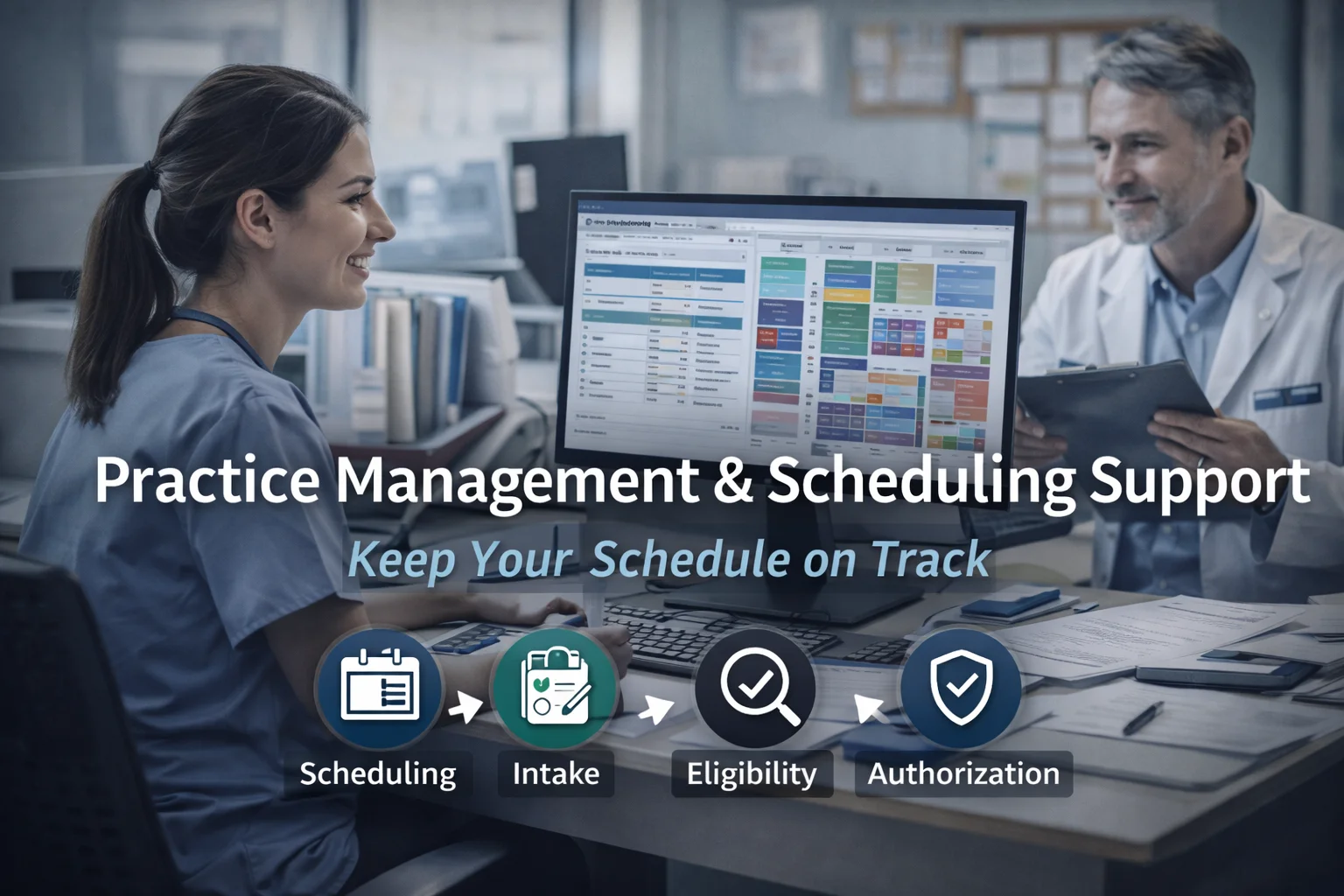
Practice Management & Scheduling Support (Complete Guide) Stepwise 2026 Guide — by LifeCareBilling
Running a clinic isn’t only about great care. It’s about keeping the day moving without the back office quietly falling behind.
Most practices don’t wake up and say, “Let’s run inefficient scheduling.” It happens because the front desk is busy, phones are ringing, patients are late, providers are documenting between visits, and everyone is trying to keep the schedule full.
And that’s exactly how revenue starts slowing down without anyone noticing.
Appointments get double-booked. Intake is incomplete. Eligibility is checked too late. Authorizations are missed. Notes don’t match charges. Claims go out delayed. A/R creeps up. Patients get confused by bills. Your team becomes reactive instead of in control.
This guide explains what Practice Management & Scheduling Support should look like in 2026—written like an operating manual, not a software brochure. And throughout the guide, you’ll see how LifeCareBilling helps practices in New York (including Long Island) and nationwide build a smoother workflow that protects revenue and reduces daily stress. (Informational guidance only, not legal advice. Payer rules vary—always confirm payer-specific requirements.)
Why “practice management” affects billing even before a claim exists
When people hear practice management in medical billing, they often think it starts after the visit—when coding happens. But billing performance is decided earlier.
A strong practice management system in healthcare connects the front office and back office so nothing gets lost between scheduling → intake → visit → billing.
When that chain is weak, your billing team spends their day fixing avoidable problems instead of sending clean work forward.
This is why so many practices start searching for medical practice management software, looking at practice management software examples, or comparing healthcare practice management software options—because they can feel the bottlenecks, even if they can’t name them yet.
What does practice management do?
It creates order across daily operations so the practice can deliver care and still collect revenue predictably.
That includes:
- Scheduling & appointments that reduce no-shows and chaos
- Registration & intake that captures correct information the first time
- Eligibility & coverage checks before the visit
- Smooth handoff to billing & RCM ops after the visit
- Consistent workflows for follow-up and patient payments
- Reporting & ops insights so owners can see where revenue slows down
If one of these breaks, it doesn’t break loudly. It breaks quietly—and you feel it later as denials, delays, and rising A/R.
The step-by-step workflow for Practice Management & Scheduling Support
Step 1: Scheduling that protects the day (not just fills it)
Scheduling is not just picking an open time slot. It’s preventing the problems that create late starts, angry patients, rushed providers, and missing information.
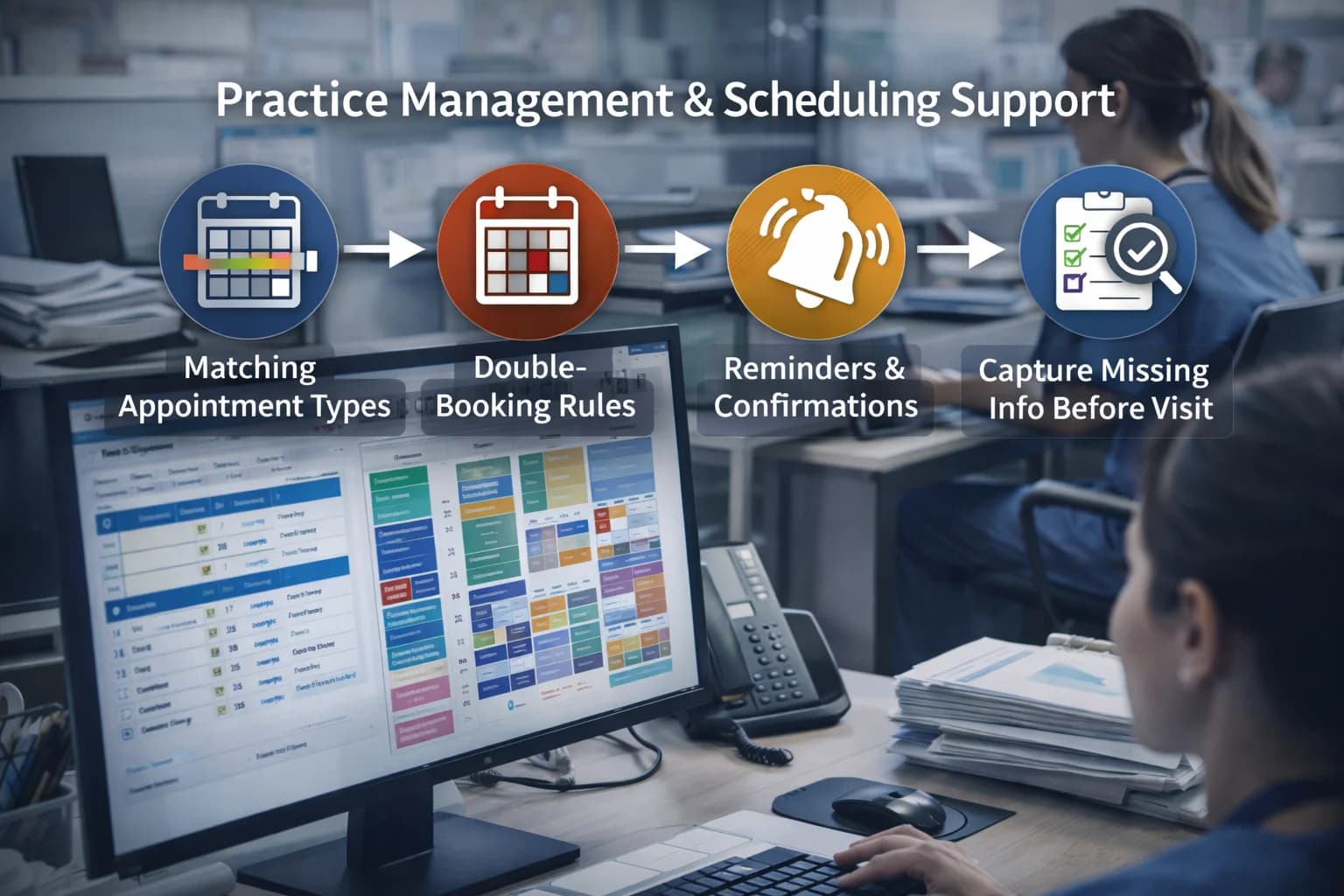
A stable scheduling workflow includes:
- Appointment types that match the service (so the right time is reserved)
- Rules for double-booking and same-day add-ons
- Automated reminders and confirmations
- Clear policies for late arrivals, reschedules, and no-shows
- A simple method to capture missing info before the patient arrives
This is the first place a practice either gains control—or loses it for the whole day.
How LifeCareBilling helps: we don’t just “bill after the fact.” We help practices tighten the front-end workflow so visits translate into clean billing outcomes with fewer delays.
Step 2: Registration & intake that stops problems at the door
Most claim issues begin as intake issues.
Even one field being wrong—subscriber name, DOB, plan selection, member ID, provider details—can create a chain reaction that shows up later as rejections, denials, or delayed payments.
Your front desk doesn’t need more pressure. They need a clean checklist and consistent process.
How LifeCareBilling helps: we help practices standardize intake and registration so claims aren’t born broken and your billing team isn’t forced into constant corrections.
Step 3: Digital forms + patient portal workflow (less chasing, more certainty)
A modern workflow reduces phone calls and “we’ll get it later” moments.
This is where patient portals and digital forms matter—not because they’re trendy, but because they reduce missing fields and manual rework.
If your team is already searching things like Practice Better Client Portal, Practice Better app for clients, or Practice q login, it usually means you’re trying to solve the same pain: intake and scheduling shouldn’t be this hard.
The real win is not the tool—it’s the workflow you build around it.
Step 4: Eligibility & coverage checks before the visit
Eligibility verification is not a checkbox. It’s a prevention step.
Your workflow should confirm:
- Coverage is active for the date of service
- The provider/location is in-network (when applicable)
- The benefit rules match the scheduled service
- Referral requirements are met
- Patient responsibility expectations are clear (deductible/copay/coinsurance)
When this step is late or inconsistent, you don’t just risk denials—you also risk patient frustration and collection problems.
How LifeCareBilling helps: we integrate eligibility into billing readiness so coverage problems are caught early, not discovered after the claim stalls.
Step 5: The practice manager’s role (and why it matters for revenue)
People ask: What are the three most favorite duties of a practice manager? In strong practices, top duties usually revolve around: keeping the schedule running smoothly, supporting staff workflows, and protecting patient experience while the business stays healthy.
A practice manager’s real value is creating consistency:
- Standard workflows that staff can follow under pressure
- Clear accountability for intake, eligibility, and documentation readiness
- Visibility into what’s stuck and what needs escalation
This is how you keep the practice stable without burning out your team.
Step 6: Clean handoff to billing (where most practices lose money quietly)
The most expensive gap in most clinics is the handoff between “visit completed” and “billing ready.”
If providers document differently, if charges aren’t captured consistently, or if staff aren’t sure what to send to billing, your revenue slows down—even when clinical work is excellent.
A good workflow includes:
- Clear charge capture rules
- A consistent documentation checklist for common visit types
- A timing standard (when charges must be closed)
- A daily reconciliation routine so nothing falls through
How LifeCareBilling helps: we help practices tighten this handoff so claims can go out faster, cleaner, and with fewer denials later.
Step 7: Reporting & operations visibility (so owners stop guessing)
Owners don’t need “more data.” They need answers.
A good operations view shows:
- Scheduling volume and no-show trends
- Intake completeness rate
- Eligibility issues caught before the visit
- Billing lag time (visit date → claim submission)
- Denial patterns and where they start
- A/R aging and what is stuck
This is the difference between reacting at the end of the month and fixing problems early while cash flow is still healthy.
How LifeCareBilling supports practice management + scheduling (New York + nationwide)
LifeCareBilling supports practices that want smoother operations and faster collections—without chaos and daily firefighting.
Our support focuses on the workflow that connects the whole day:
- Scheduling and intake structure that reduces downstream billing errors
- Eligibility and authorization readiness before visits
- Cleaner handoff from front office to billing and RCM
- Denial reduction through prevention (not constant resubmitting)
- Reporting clarity so you can see what’s slowing revenue down
We support practices in New York (including Long Island) and nationwide. If you want to identify where your workflow is leaking time and revenue, start with a clear review.
Call (631) 966-1755 or click Get Free Billing Analysis to see how LifeCareBilling can help your practice run smoother, reduce delays, and stabilize cash flow in 2026.
Frequently Asked Questions
What does practice management do?▼
It organizes daily operations—scheduling, intake, eligibility, workflows, billing handoff, and reporting—so care delivery stays smooth and revenue stays predictable.
What is a practice management system in healthcare?▼
A practice management system in healthcare is the operations layer that manages scheduling, patient info, workflows, and often connects to billing/RCM processes so visits convert into collected revenue.
What are the three most favorite duties of a practice manager?▼
Common favorites are keeping scheduling and staff workflows running smoothly, improving patient experience, and maintaining operational control so the practice stays financially stable.
What is practice management in medical billing?▼
Practice management in medical billing means the steps before claim submission—intake accuracy, eligibility checks, authorization readiness, documentation/charge capture, and clean handoff to billing.
Do we need medical practice management software to improve scheduling?▼
Not always. Tools help, but the bigger improvement is a consistent workflow—rules, checklists, timing standards, and accountability.
What if our team is already using tools like Practice Better or SimplePractice?▼
Many practices use platforms like Practice Better app, Simple Practice, or PracticeQ—but still struggle if intake, eligibility, and billing handoff aren’t standardized. The workflow matters more than the brand.